
















Best Tablets for Students in India (2026)
Looking for the best tablet for study, notes & online classes? Compare display, battery & stylus support, plus live deals on Discount Deals Live.


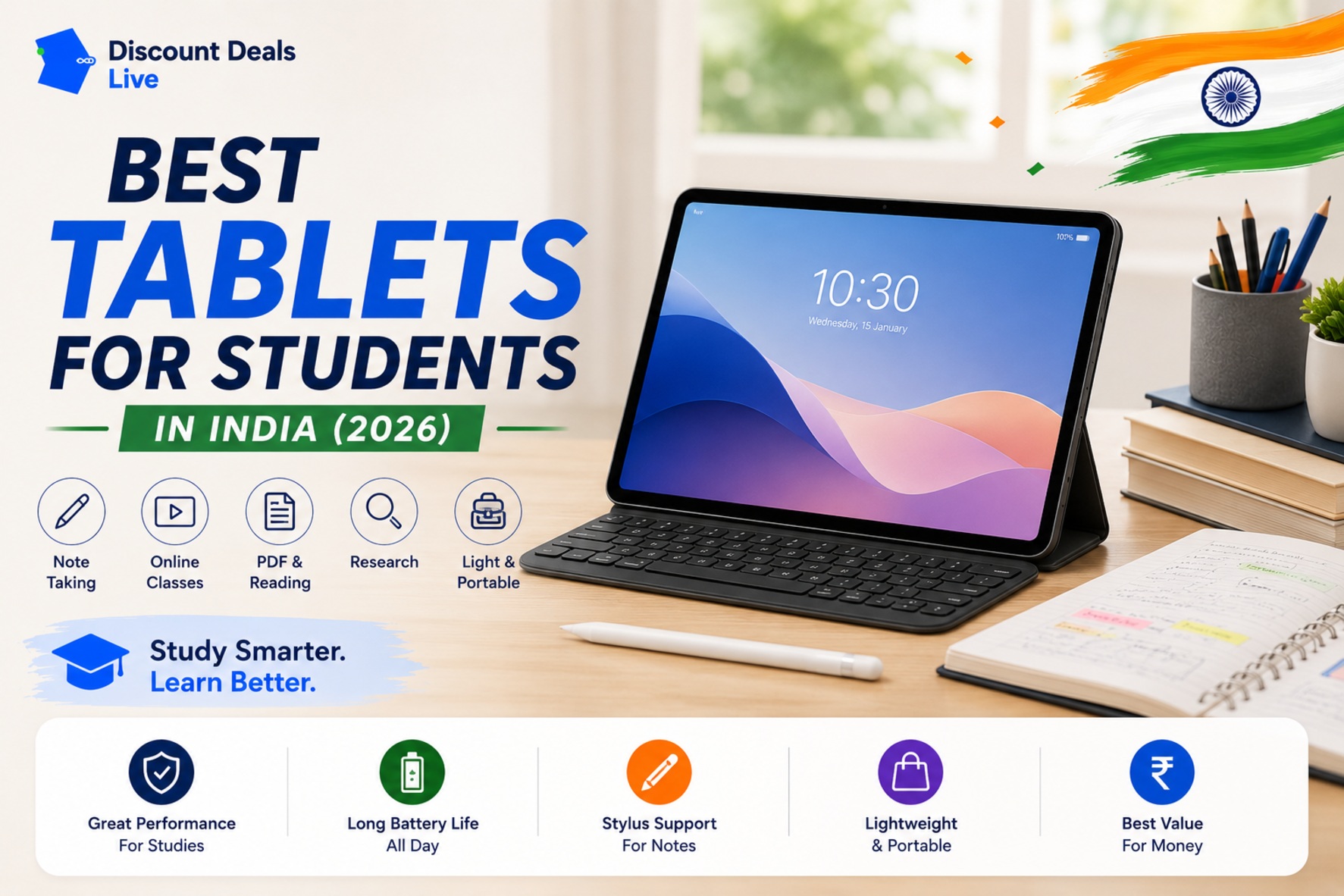
A tablet for students needs to do a lot — take handwritten notes, sit through video lectures, handle PDFs and research, and still be light enough to carry between classes without feeling like a burden. Not every tablet on the market is actually built for this mix of uses, so it's worth being specific about what matters before buying.
What to Check Before Buying
- Display size and resolution — 10-11 inches is a practical sweet spot for reading, note-taking, and watching lectures without being too bulky to carry daily; check for at least Full HD resolution for comfortable text reading
- Stylus support — if handwritten notes or diagram-heavy subjects (math, science) matter to you, confirm stylus compatibility and whether the stylus is sold separately, since this significantly affects total cost
- Battery life — look for a full day of mixed use (note-taking, video, browsing) on a single charge, since carrying a charger between classes isn't always practical
- Storage and expandability — 64GB is a reasonable minimum, but check for microSD expansion if you'll be storing lecture recordings, PDFs, and study material long-term
- RAM — 4GB is workable for basic use, but 6-8GB handles multitasking between note apps, browsers, and video calls more comfortably
Pros & Cons of Using a Tablet for Studying
Pros:
- Lighter and more portable than a laptop for carrying between classes all day
- Stylus-enabled tablets genuinely replace physical notebooks for many students, reducing paper use and improving organization
- Long battery life compared to laptops means less worry about finding charging points during a full day
- Good for consuming lecture content, PDFs, and e-books comfortably compared to a phone screen
Cons:
- Typing extended essays or long-form writing is less comfortable than a laptop keyboard, even with an add-on keyboard case
- Multitasking capability, while improved, still generally lags behind a laptop for heavier academic software
- Budget tablets can feel sluggish once you're running multiple apps (notes, browser, video call) simultaneously
For Note-Taking and Handwritten Study
If your main use case is replacing physical notebooks:
- Confirm stylus support and check whether it's included or needs to be purchased separately
- Look for palm rejection support in note-taking apps, which significantly improves the writing experience
- A matte screen protector (often sold separately) can make handwriting feel more natural, closer to paper
a well-reviewed tablet with stylus support for note-taking — LINK is a commonly recommended pick for students who take handwritten notes.
For Online Classes and General Study Use
If video lectures, PDFs, and browsing are your main use case rather than handwriting:
- Prioritize battery life and display quality over stylus support if you don't need handwritten notes
- Check for a decent front camera if online classes require regular video participation
- A keyboard case accessory (if available for the model) adds flexibility for typing assignments without needing a separate laptop
a tablet well-suited for online classes and everyday study use — LINK is a popular choice for this use case.
Tablet vs Laptop for Students: Which Makes More Sense?
This depends heavily on your course of study. For reading-heavy, note-taking-heavy subjects (humanities, medical, design sketching), a tablet with a good stylus can genuinely replace a laptop for daily use. For coding, data-heavy coursework, or long-form writing, a laptop remains more practical as a primary device, with a tablet serving as a secondary, portable option for lectures and reading.
Quick Comparison Checklist
| Feature | What to look for |
|---|---|
| Display | 10-11 inch, Full HD minimum |
| Stylus support | Confirm compatibility if handwritten notes matter |
| Battery | Full day of mixed use |
| RAM | 6GB+ for comfortable multitasking |
| Storage | 64GB minimum, microSD expansion is a bonus |
Today's Best Deals on Tablets for Students
Tablet pricing shifts with sales and bank offers, especially around the start of academic terms. Check live pricing before you buy:
- See real-time results for this exact search on Best Tablets for Students — Live Search
- Browse the full Mobiles & Tablets category for related deals
- Compare listings across Amazon Deals and Flipkart Deals side by side
Frequently Asked Questions
Is a tablet enough to replace a laptop for college?
For reading, note-taking, and lecture-heavy coursework, a well-chosen tablet with a keyboard case can cover most daily needs. For coding, data analysis, or heavy multitasking across professional software, a laptop is still the more practical primary device.
Do I need to buy the stylus separately, or does it come included?
This varies significantly by tablet model and brand — some include a stylus in the box, while others sell it as a separate accessory that can add a meaningful amount to the total cost. Always check this specifically before comparing prices across models.
How much RAM does a student tablet actually need?
4GB handles basic browsing and note-taking, but 6-8GB provides noticeably smoother multitasking when switching between a notes app, browser tabs, and video calls, which is common during a typical study session.
Are budget tablets good enough for online classes, or should I spend more?
For most online class needs — video playback, basic note apps, browsing — a well-reviewed budget tablet handles this comfortably. Spending more mainly benefits students who need better multitasking performance, a higher-quality stylus experience, or a larger, sharper display for extended reading.
Check Best Deals for current live pricing on tablets before you buy — prices can shift meaningfully around the start of academic terms and sale events.